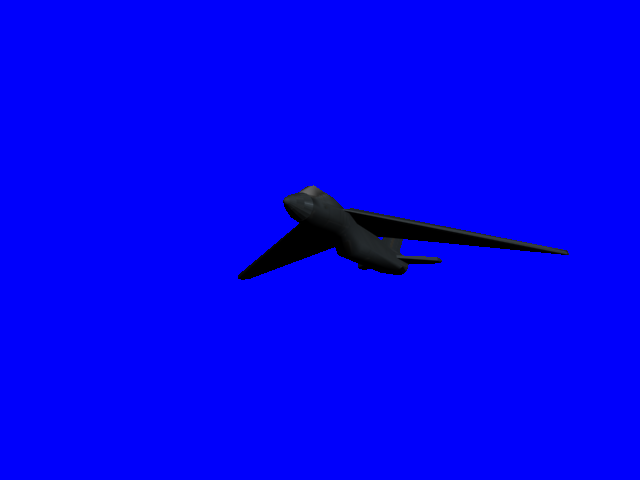
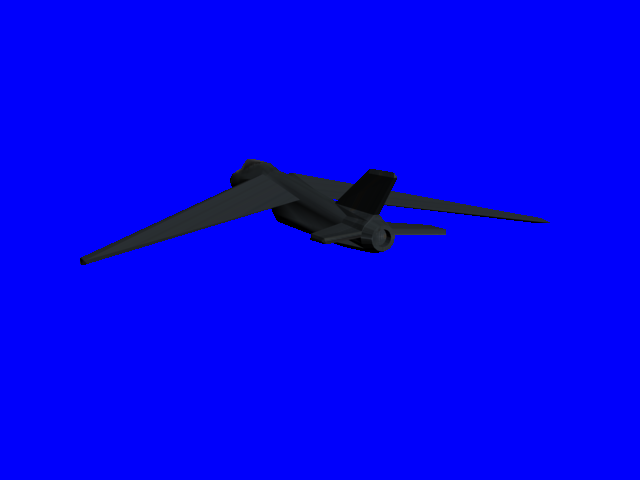
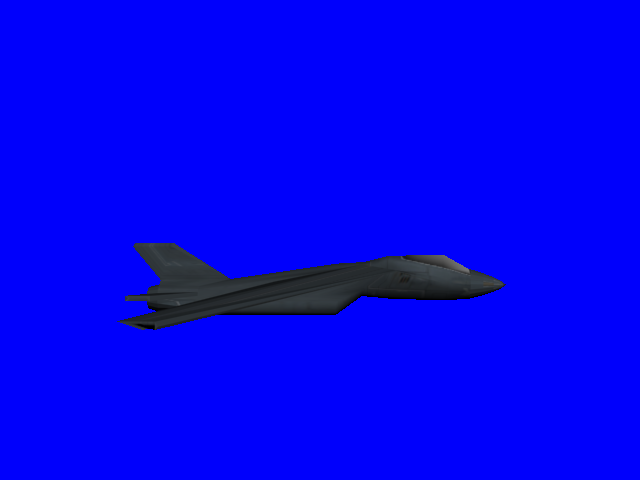
It doesn't look stealthy TBH :/ That layout wouldn't give it a very low RCS, the tail especially would be quite reflective. It's also using a (standard) circular engine, stealth planes generally use rectangular exhaust pipes to reduce their thermal image. _________________
ehh, It wasnt ment to look like any other aircraft, I usually just make jets out of the blue, and hope they turn out decent. I actually kinda like this one. But to be honest I dont see any resemblence to a B1. QUICK_EDIT
Dude, that doesn't look very aerodynamic, if you pay attention to how high the cockpit is. _________________ Please, I DON'T read the signature rules of the forum. QUICK_EDIT
?, There are actual fighter planes that have thier cockpits above the main body as I do here, I cant remember the actual names of them but i've seen them. I think the Russian Sukoi SU-47 Flanker is like that
@Mig, yeah after looking at a few stealth planes, I dont think this one would be very stealthy. Last edited by Cranium on Thu May 27, 2010 3:58 am; edited 1 time in total QUICK_EDIT
I mean, look at the air flow, from the canopy all the way to the back, it's blocking the tail. _________________ Please, I DON'T read the signature rules of the forum. QUICK_EDIT
The SU-series had Dual tails, so they could raise the cockpit as high as they could and still have the plane fly stable because they had dual tails
I think you all get my point on why I think this plane can't fly
And also, what Mig suggested. You can see from those Sci-Fi crafts that they have Sleek and compressed designs, not to mention that the they're both designed for Speed, and the fold-able wings on the F37. _________________ Please, I DON'T read the signature rules of the forum. QUICK_EDIT
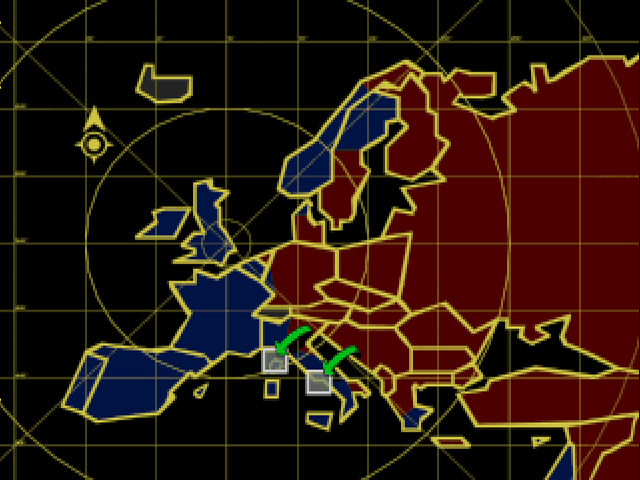
I prefer the RA map look (It was hard to find the keywords to find this pic,but redalert 1 mission selection was the right choice):
Now the question is: why do I prefer it?
Not much more realistic,maybe because the forms are straight (less shaky borders)
Or maybe because the territories are more divided. QUICK_EDIT
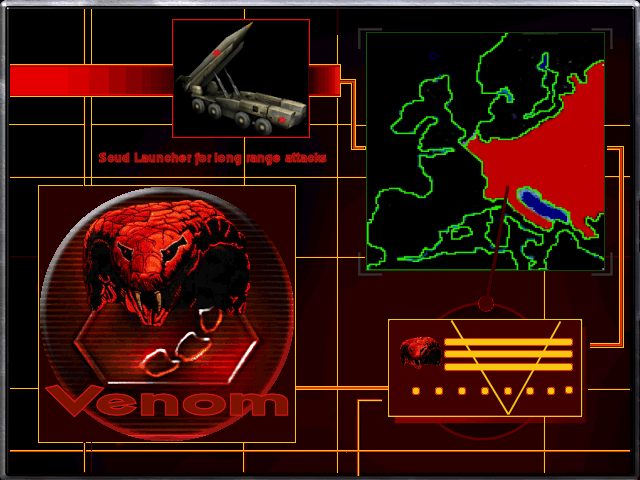
Not a fan of the logo either, kinda ruins the entire loadscreen imo :/ _________________ Please, I DON'T read the signature rules of the forum. QUICK_EDIT
Yeah. I didn't care much for the logo either. Nor do I like the map thing. It's kinda... well... crappy. _________________ Because Banshee saw fit to ban my other account for no reason, this is my new one. QUICK_EDIT
(OT: it says last post in this thread was by Cranium, but it really is Crimsonum) _________________ "I'll be staying strapped cuse my mac-eleven make my nuts bigger" QUICK_EDIT
Well the reason behind the cobra/nod logo is "Venom" was a clone project, forgotten and left unpowered and unfinished by the defeat of the Soviets. Untill a heat storm, "which produce mass amounts of electricity" struck the power rods that controlled the clone facility, (which by the way is where my new clone vats come into play. ((can be seen on page 1 of this thread)). The backup power was rejuvinated and the end result was Venom. After uncovering several documents within the facility he became outraged at both the Former Soviet Empire and the Americans-"Now known as the RevengeForce." Yes the Cobra is his logo, but he didnt want to totally cover up where he came from, and also to let the RevengeForce know that the war was all but done and thier victory null.
The full story of VR will be posted when time is right.
@M7, yes I know RA2 shares palettes, but remember this is only a 2 faction mod so dosent really matter how much I alter them. QUICK_EDIT
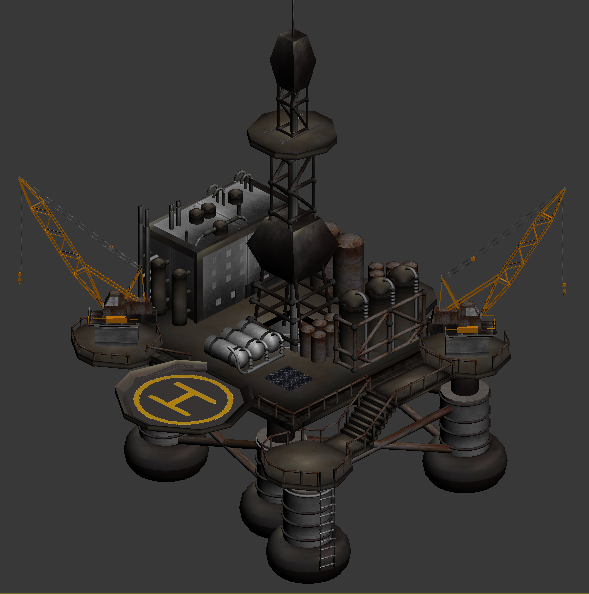
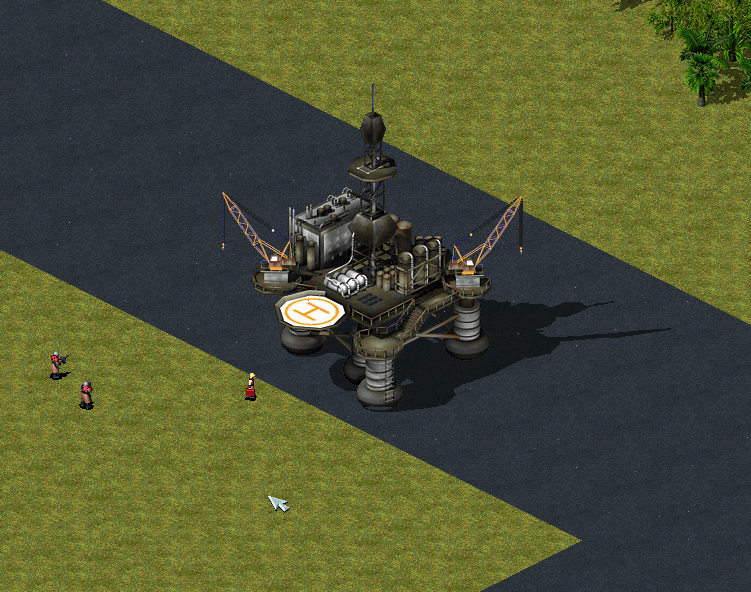
I figured since there are land crates, OilDerricks, and Ore/Tiberium, Why not have an off shore drilling rig. But by needing the WaterBound=yes tag I'm not sure It can be capturable, so I may need to make it Country specific instead of having it Neutral based.
It looks like it just sits on the water. Where are the waves around the area that touches the water? I know this is RA2 but damn. _________________ Because Banshee saw fit to ban my other account for no reason, this is my new one. QUICK_EDIT
Thanks guys, but man it seems no matter how hard I try I just cant seem to get rid of the blue outlining that happens. I have Dont Antialias against background turned off, but it still does it. I;ve tried several other settings as well, but still wont stop doing it. Any clues? QUICK_EDIT
Thanks guys, but man it seems no matter how hard I try I just cant seem to get rid of the blue outlining that happens. I have Dont Antialias against background turned off, but it still does it. I;ve tried several other settings as well, but still wont stop doing it. Any clues?
Don't worry too much EA had the same problem. _________________ QUICK_EDIT
Thanks guys, but man it seems no matter how hard I try I just cant seem to get rid of the blue outlining that happens. I have Dont Antialias against background turned off, but it still does it. I;ve tried several other settings as well, but still wont stop doing it. Any clues?
I'd fix it with Paint or the SHP Builder. Ask MadHQ for assistance. I think he's the only other person who really knows how to handle 3D modeling applications and exporting to SHPs and voxels. _________________ Because Banshee saw fit to ban my other account for no reason, this is my new one. QUICK_EDIT
Yes, its really not too hard to deal with if you are familiar with the SHP Builder's Replace Colour tool. Since with that, you don't have to edit each frame individually, just make one sweep... this way you could even create a custom scheme for it if you care to learn of the process. QUICK_EDIT
Put your building agains clear background. And check options, there should be an option that disables anti-alias agains background. _________________ Lost Relic[mod] Lost Relic[game] QUICK_EDIT
Joined: 18 Feb 2005 Location: Star Kingdom of Manticore
Posted: Wed Jun 02, 2010 11:51 pm Post subject:
well, for me, it's really simple. render one anti-aliased, and the other completely aliased. import both images into photoshop, open up both layers, and select the blue background and the shadow from the aliased layer, expand the selection by one, then invert the selection (ctrl+shift+I), and delete that selection on the anti-aliased layer. make sure, though, when you use the selection tool, that anti-aliased is deselected. It takes me less than 60 seconds to do. _________________ "Reality is a lovely place, but I wouldn't want to live there." -Adam Young QUICK_EDIT
@Vef, Dont Antialias against background has already been turned off. It seems to only happen around areas with small cylinder type objects, like railing posts, crane tubes, crane wires, and skinny antenna type stuff.
@daTS, This would probably be o.k. for things with very small amount of frames, to much extra work for multiple frame objects. It's already hard enough going from nothing to full animated shp's with out having to worry about extra stuff like this.
@MT, the problem with doing ColorReplacer is sometimes the color that needs replacing is the same color as the main background. So that wont work all the time. QUICK_EDIT
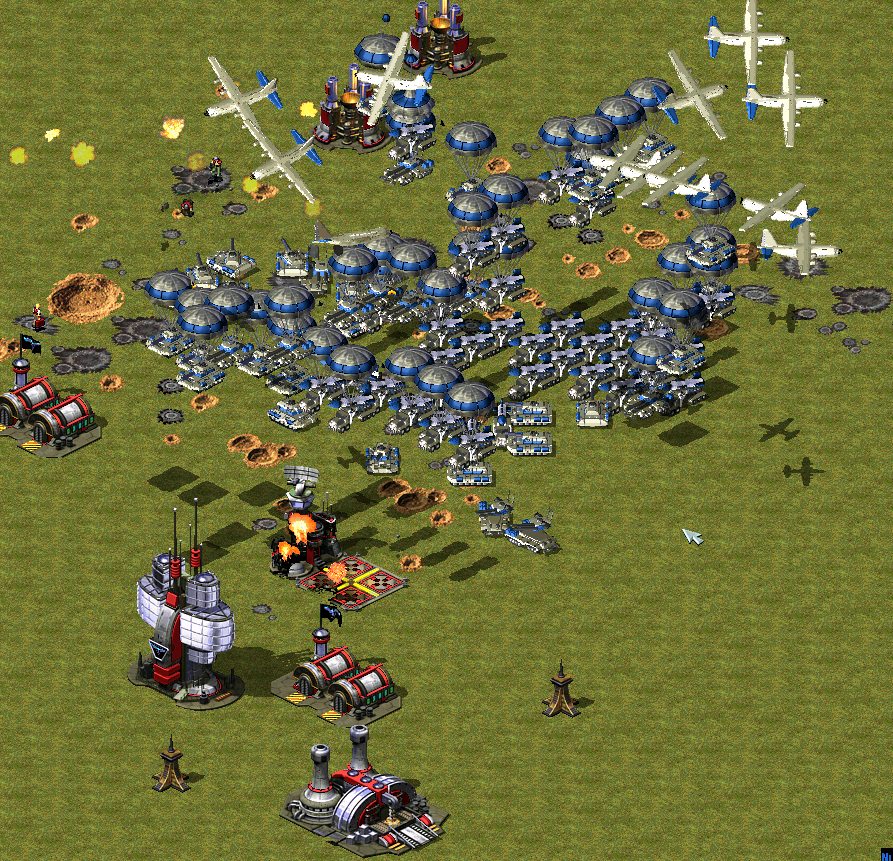
Just thought this was kind of funny, Venom unleashing his Rage in true fashion. And is what happens when you forget to reset the timer to an appropriate setting.
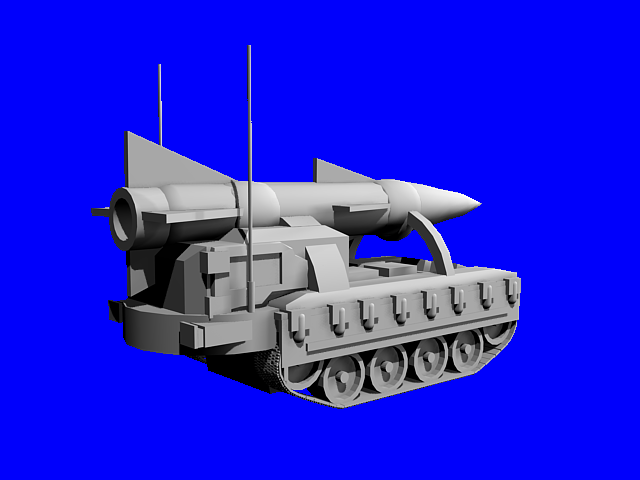
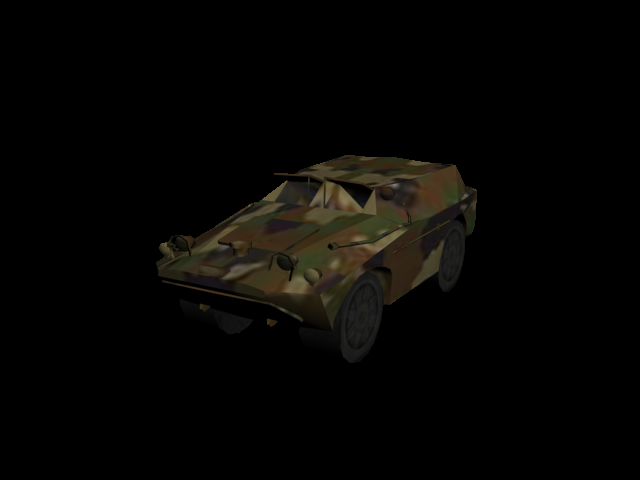
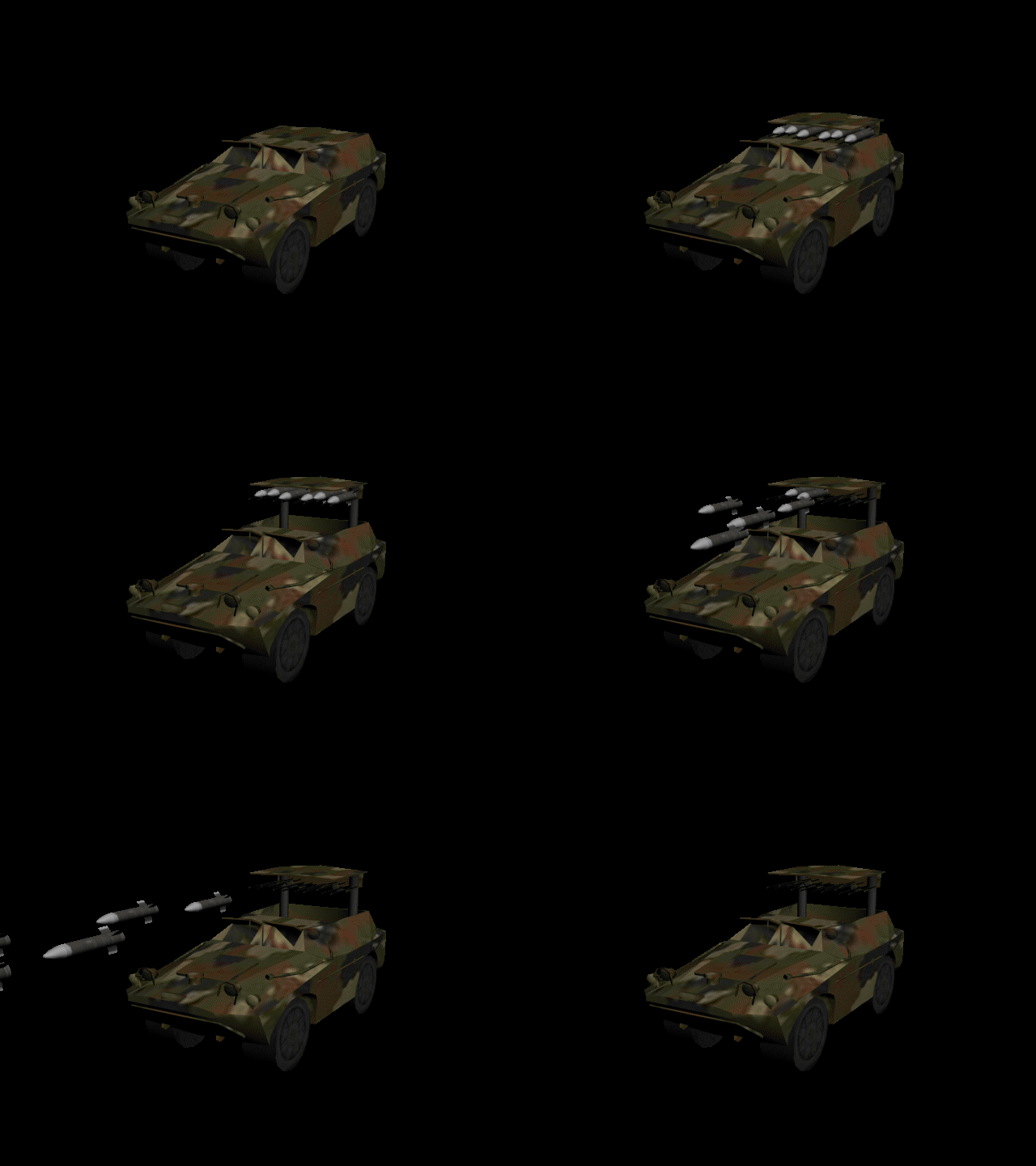
Got this new vehicle here, this one deploys into a single missile launch pad. Not sure what type of missile to use. I was thinking about making this limited build for the AI as it may become a long range mini nuke missile. But it's options are still on the table.
Chemical weapon hey? thats not a bad idea. After all I did convert and redo the chemical clouds from TS. This would probably be a perfect weapon to attach it to. QUICK_EDIT
I thought about it, but the rear one wouldnt be visible anyway and the front one would just block some of the view so I said to heck with it. But maybe I could put a downscaled one up front. I'll see. But I also already started on the Texturing/active anims so most likely not. QUICK_EDIT
It depends on quality of model, quality of textures, lighting, size of structure, things like that. I could probably help you out on some settings if you could tell me what 3d program you use.
And yes, you should have PM me with this instead of here. But thats ok I really dont mind. QUICK_EDIT
You cannot post new topics in this forum You cannot reply to topics in this forum You cannot edit your posts in this forum You cannot delete your posts in this forum You cannot vote in polls in this forum You cannot attach files in this forum You can download files in this forum