How were you planning to code the tornados? Cause I noticed that there's an art.ini entry for an animation that plays when an infantry gets killed by flame weapons.
I haven't experimented with any of this, but the IsFlamingGuy=true might make the animation move around randomly, like the burning infantry do? And with LoopCount you could make it last bit longer. _________________ QUICK_EDIT
I haven't experimented with any of this, but the IsFlamingGuy=true might make the animation move around randomly, like the burning infantry do? And with LoopCount you could make it last bit longer.
More or less. RunningFrames tells you how many frames to use per each direction (there's 8 facings). Any frames that come after are used once the animation stops moving around. One thing you're wrong about is LoopCount. It does not get used, it just runs through all the facings (in random order though I think) and their frames ONCE. _________________ QUICK_EDIT
Could you start the loop all over again with Next or ExpireAnim? Eg.
Code:
[TORNADO1]
...
Next=TORNADO2
[TORNADO2]
...
Next=TORNADO3
You could make the tornade "lose power" at each step visually and damage wise. It could be throwing some debris logic stuff around to cause damage. _________________ QUICK_EDIT
The IsFlamingGuy= logic works great for a weapon like this, I personally have used this to the same effect, also makes an interesting firewave or fissure weapon. Next= should work, considering you have another animation, because you would have subtract the falloff of the animation as Starkku said.
Suggestion on the art? Get rid of the solid in the middle entirely. Start off with a PF Source, I find about 3500 particles to be enough, but you can adjust it for your usage. Then put down a wind space warp about 300 units above the PF, again scale for your scene, and add a vortex slightly above it. I'm no good at making tutorials so you'll have to play around with it alot, but the only thing you really have to worry about is making a nice object to base the particles on and a good texture.
I'll post an example later when I get a chance.
I'd also suggest thinking particles, since they do a better job, but it isn't free. _________________ "Don't beg for things; Do it yourself or you'll never get anything." QUICK_EDIT
Interesting stuff about the IsFlamingGuy= logic, didnt know I could do that. Learn something new all the time. Thanks guys.
@4StarGeneral, Thanks for the suggestion, and dont worry about making a tut. I know what your talking about _________________
The enemy shall be injected with toxic poison - Venom QUICK_EDIT
Tips:
Make the Tornado itself transparent in areas rather than one solid block of a moving object.
Make the particles varied, i.e. make them look more like debris than floating noise.
And with the whole thing, imagine how clouds will look, even refer to Photoshop's Cloud filter. Think gradients, fading edges and edges that are blurred in motion.
I know it's a very hard job to achieve in 3D, but I'm sure if you find some tutorials and combine different effects, you could achieve a perfect looking tornado effect.
You cannot post new topics in this forum You cannot reply to topics in this forum You cannot edit your posts in this forum You cannot delete your posts in this forum You cannot vote in polls in this forum You cannot attach files in this forum You can download files in this forum


 Tornado SW?


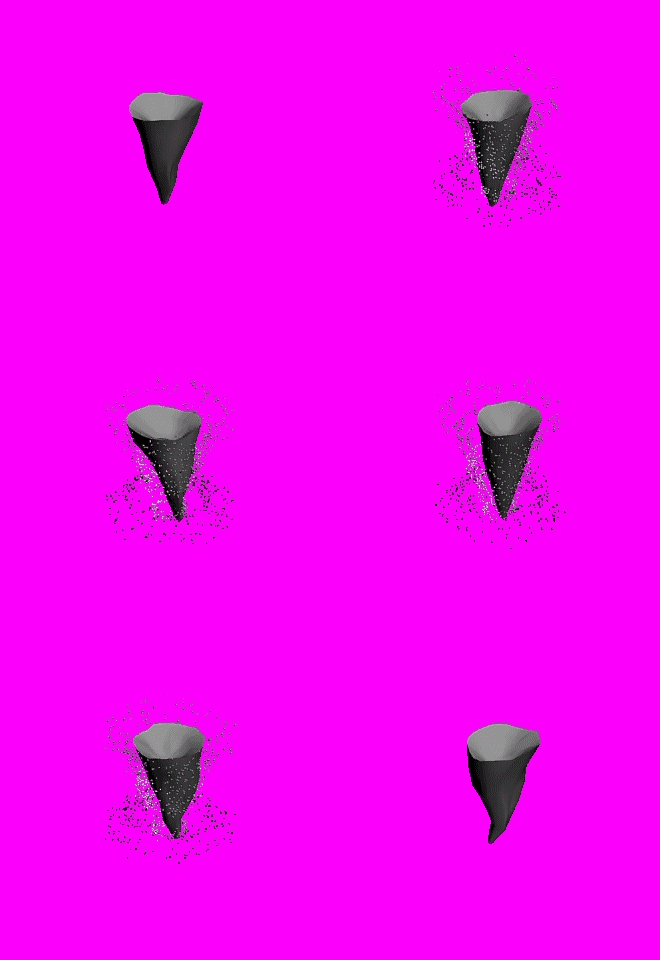



 but you should make the Tornado a little less bound and make it more like a smoke.